black-forest-labs/flux-kontext-pro
A state-of-the-art text-based image editing model that delivers high-quality outputs with excellent prompt following and consistent results for transforming images through natural language
Model Inputs
Input image to start generating from
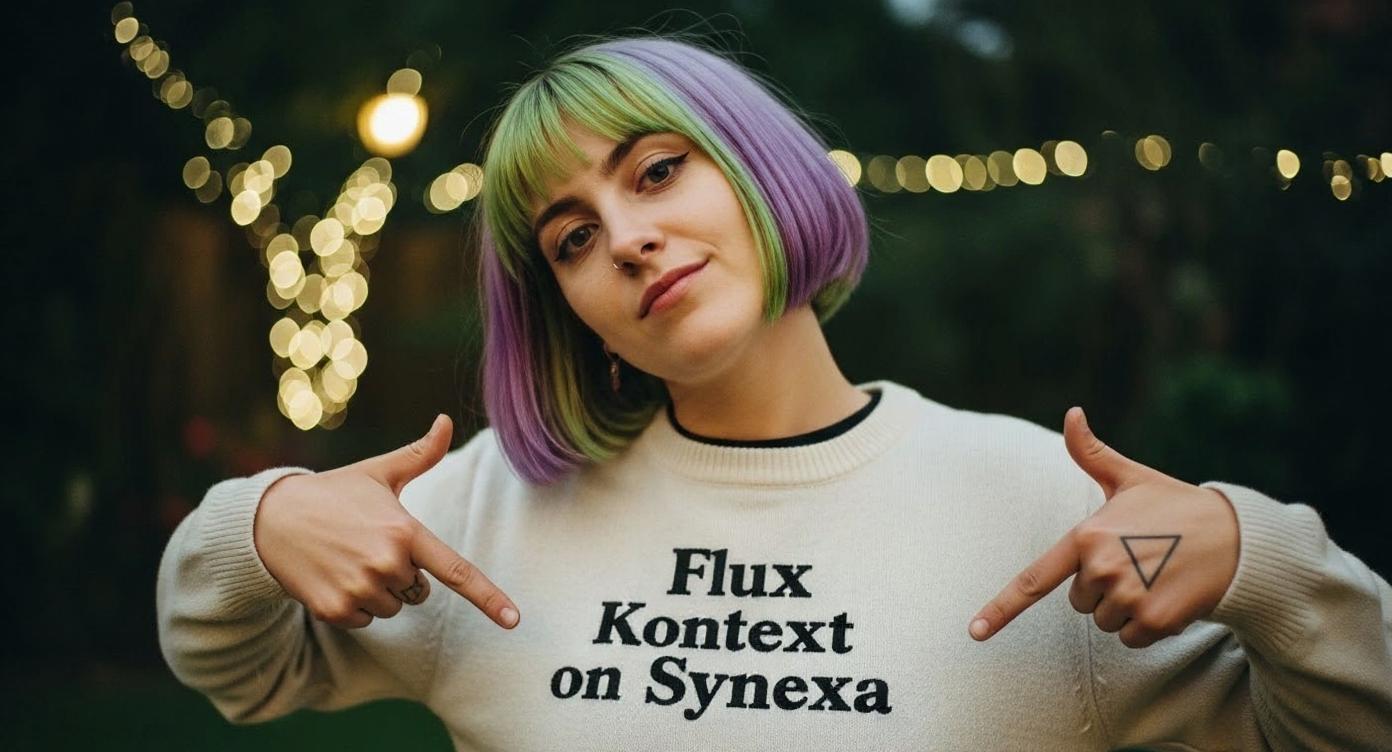
Text description of what you want to generate, or the instruction on how to edit the given image.
Aspect ratio of the generated image. Use 'match_input_image' to match the aspect ratio of the input image.
Random seed. Set for reproducible generation
Output format for the generated image
Result
Pricing
black-forest-labs/
flux-kontext-pro
Pricing for Synexa AI models works differently from other providers. Instead of being billed by time, you are billed by input and output, making pricing more predictable.
For example, generating 100 requests costs about $2.00.
Check out our docs for more information about how per-request pricing works on Synexa.
| Provider | Price ($) | Saving (%) |
|---|---|---|
| Synexa | $0.02 | - |
| replicate | $0.04 | 50.0% |
| fal | $0.04 | 50.0% |
Readme
FLUX.1 Kontext Pro - Text-Based Image Editing
FLUX.1 Kontext Pro is a state-of-the-art text-based image editing model from Black Forest Labs that delivers high-quality outputs with excellent prompt following and consistent results for transforming images through natural language.
What You Can Do
Kontext Pro excels at:
- Style Transfer: Convert photos to different art styles (watercolor, oil painting, sketches)
- Object/Clothing Changes: Modify hairstyles, add accessories, change colors
- Text Editing: Replace text in signs, posters, and labels
- Background Swapping: Change environments while preserving subjects
- Character Consistency: Maintain identity across multiple edits
Prompting Best Practices
Be Specific
- Use clear, detailed language with exact colors and descriptions
- Avoid vague terms like "make it better"
- Name subjects directly: "the woman with short black hair" vs. "she"
Preserve Intentionally
- Specify what should stay the same: "while keeping the same facial features"
- Use "maintain the original composition" to preserve layout
- For background changes: "Change the background to a beach while keeping the person in the exact same position"
Text Editing Tips
- Use quotation marks: "replace 'old text' with 'new text'"
- Stick to readable fonts
- Match text length when possible to preserve layout
Style Transfer
- Be specific about artistic styles: "impressionist painting" not "artistic"
- Reference known movements: "Renaissance" or "1960s pop art"
- Describe key traits: "visible brushstrokes, thick paint texture"
Complex Edits
- Break into smaller steps for better results
- Start simple and iterate
- Use descriptive action verbs instead of "transform" for more control
Pro vs Dev
Kontext Pro offers state-of-the-art performance with higher quality outputs, better prompt following, and more consistent results compared to the Dev version. It also supports prompt upsampling for automatic prompt improvement.
Tips Summary
- Be specific with colors, styles, and descriptions
- Start simple and iterate on successful edits
- Preserve intentionally by stating what to keep unchanged
- Use quotation marks for exact text replacements
- Control composition by specifying camera angles and framing
- Choose verbs carefully - "change" vs "transform" gives different results